

Illustrative website · Fictional business
01 · Website
Business websites
Show the services you offer, the areas you cover and a clear way for customers to contact you.
Discuss your website →Elevated AI Consulting · Websites · Search · Workflows
Help customers understand what you do and take the next step. EAC improves your website, search visibility and inquiry process, then adds practical AI or team training where it fits.
Scope, timing and price are agreed before work begins.
Fictional company · Illustrative booking · No appointment is made.
Booking confirmed: AC tune-up · Thursday, 10–12. No appointment is made.
How EAC works
Review the pages, contact options and steps a customer takes. This example shows how a website issue becomes a specific recommendation, ready for you to review before work begins.
Illustrative website review
Illustrative review · No website is submitted or scanned.
01 · Website
Show the services you offer, the areas you cover and a clear way for customers to contact you.
Discuss your website →02 · Search
Make your services and business details easier to understand with useful pages, clear structure and consistent facts.
Discuss search visibility →03 · AI & training
Website assistants and workflows built around a defined task, approved information and human review.
Discuss an AI project →Watch a test visitor ask a project question and submit an inquiry through the assistant on this site.
Recorded on EAC's website using a test inquiry. Personal contact details are hidden.
Discuss a website assistantRecorded October 1, 2026. The video shows an answer, an inquiry form and an acknowledgment. It does not demonstrate email delivery, appointment booking or payment.
The silent recording opens with the EAC logo, “Turn questions into conversations,” and “A website assistant in action.” Captions introduce the assistant and explain that it answers visitor questions and shows what comes next.
The visitor asks how to scope a first AI chatbot project in two short points. The recorded answer recommends a workflow audit to review current processes and identify useful applications, then goal setting to define objectives such as response times or lead conversions. It invites a call to discuss the project. These are proposed goals, not measured results.
A caption says “Move the conversation forward.” The visitor asks how to share contact details for a consultation. The assistant asks for contact information so the team can follow up, and a “Capture an inquiry” caption introduces the form.
The form collects a name and email, with optional phone and company fields. The name “EAC Portfolio Demo (test)” is entered, the email stays hidden, and both optional fields remain blank. After “Get in Touch” is selected, the assistant thanks the visitor for the details, says the team will reach out, and asks what to prepare for a call. This is a recorded acknowledgment; email delivery and appointment booking are not demonstrated.
The caption reads “Keep the next step clear. An inquiry received. A conversation started.” The closing screen says “Discuss a website assistant. Questions. Answers. Inquiries.”
Read & apply
Walkthroughs, tool explanations and practical workflows you can inspect before applying them to your business.
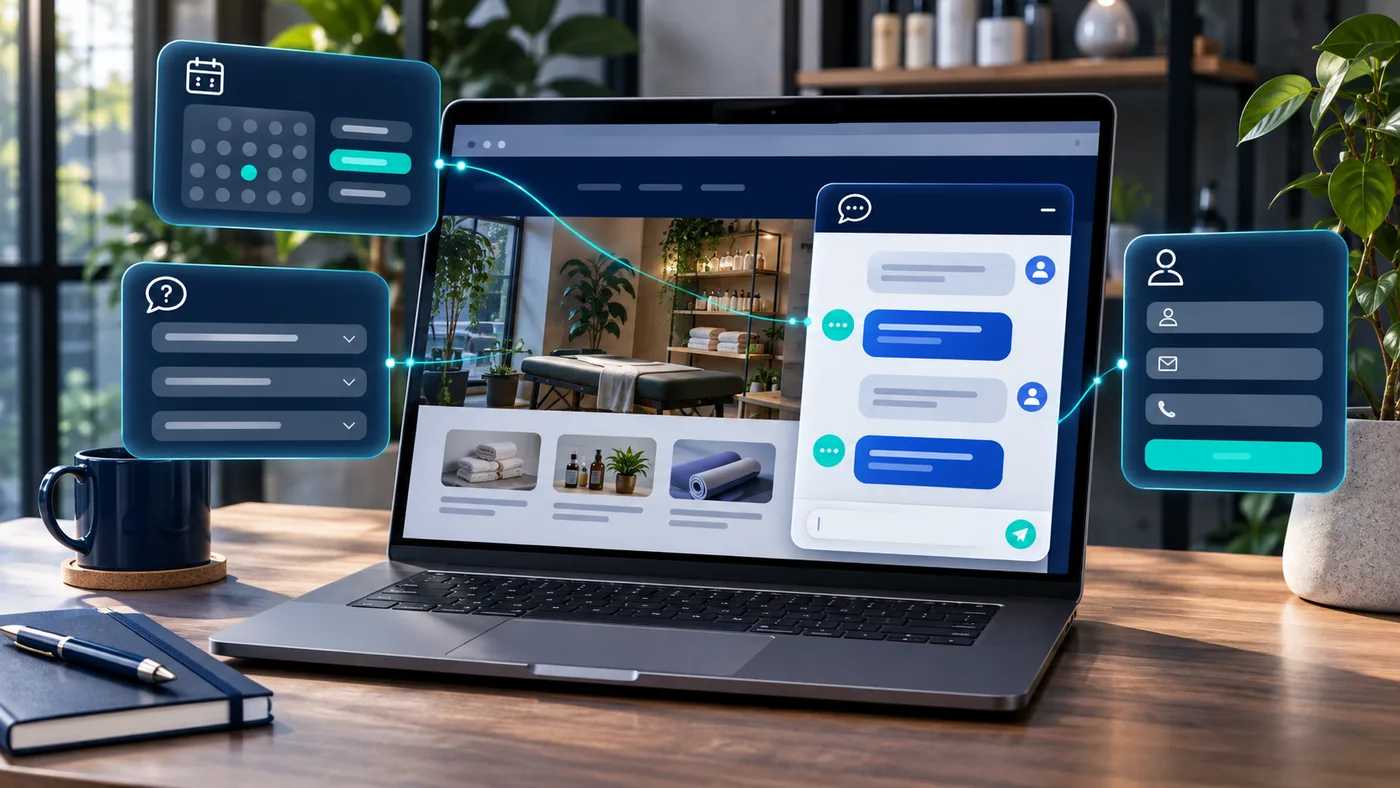
A practical guide to what AI chatbots can—and cannot—do for small businesses, from answering questions and qualifying leads to booking handoffs.

Turn rough notes into a clear customer email using ChatGPT or Claude. Try a fictional example, copy the prompt and check the draft before sending.
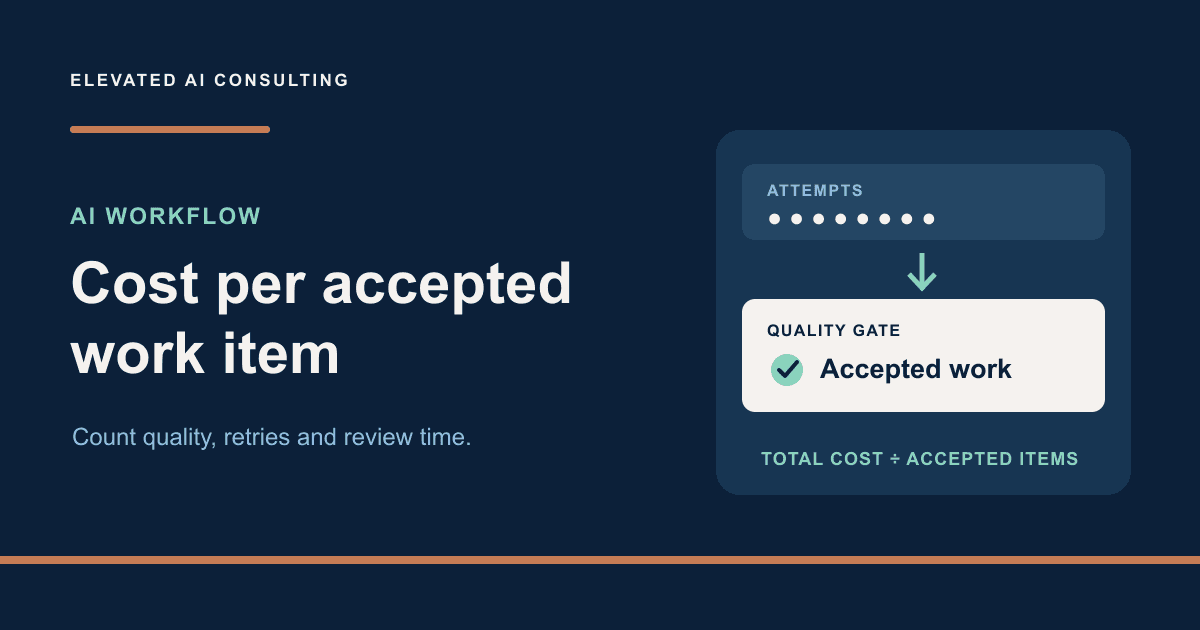
Compare AI workflow versions using quality gates, retry costs and review time, with a fully synthetic worksheet and reproducible calculations.
Straight answers
Have a different question? Tell us what you’re planning.
Ask about your projectStart with the part of your website or inquiry process that causes trouble. Share the current site, the tools involved and what you want to improve. You can also ask about an AI workflow or team training.
We confirm scope, price, payment terms and availability directly before work begins. Software subscriptions, hosting and usage charges are considered separately and identified where relevant.
No. An inquiry starts the conversation. A workshop needs an agreed live slot and a check of the required accounts and features before it is confirmed.
Timing depends on the work, required access, content readiness and review schedule. The proposal records the agreed timeline.
The proposal states what is delivered, the access provided and the ownership or licensing terms. Third-party services, components and platform licenses may have their own conditions.
Tell us about the website, workflow or training you have in mind.